Recipes cut stock on every sale
Link each menu item to its recipe. One iced latte sold at the kiosk, POS or web order takes 18 g of beans, 150 ml of milk and one cup off the shelf, automatically.
Inventory Management
Every sale cuts its ingredients through the recipe. Deliveries come in through a purchase order, waste gets a reason and a photo, and the nightly count closes the gap. Your stock on screen matches your stock on the shelf.

Link each menu item to its recipe. One iced latte sold at the kiosk, POS or web order takes 18 g of beans, 150 ml of milk and one cup off the shelf, automatically.
Keep your own supplier list per outlet, send a PO, and receive it in full or in parts. Stock goes up the moment it is received.
Count what is on the shelf and enter the real quantity and cost. Otter records the difference so you see what went missing, and when.
Expired, spilled, burnt or broken. Mark it as waste with a photo so it leaves the stock and shows up in reports, instead of disappearing quietly.
Set a minimum for every item. When milk drops under it, low stock shows on your dashboard before the morning rush finds out.
Average cost updates with every purchase, so each menu item shows what it really costs to make. Every movement is logged in one stock ledger.

The supplier drops 24 L of milk and 5 kg of beans at the back door. The shift lead opens yesterday's purchase order, ticks what arrived, and notes that one crate is short. Stock goes up by what was really received, and the rest stays open on the PO.

A carton of oat milk falls during the afternoon rush and three croissants pass their display time. Both are marked as waste with a reason and a photo. Stock drops right away and the waste report shows exactly what was lost.
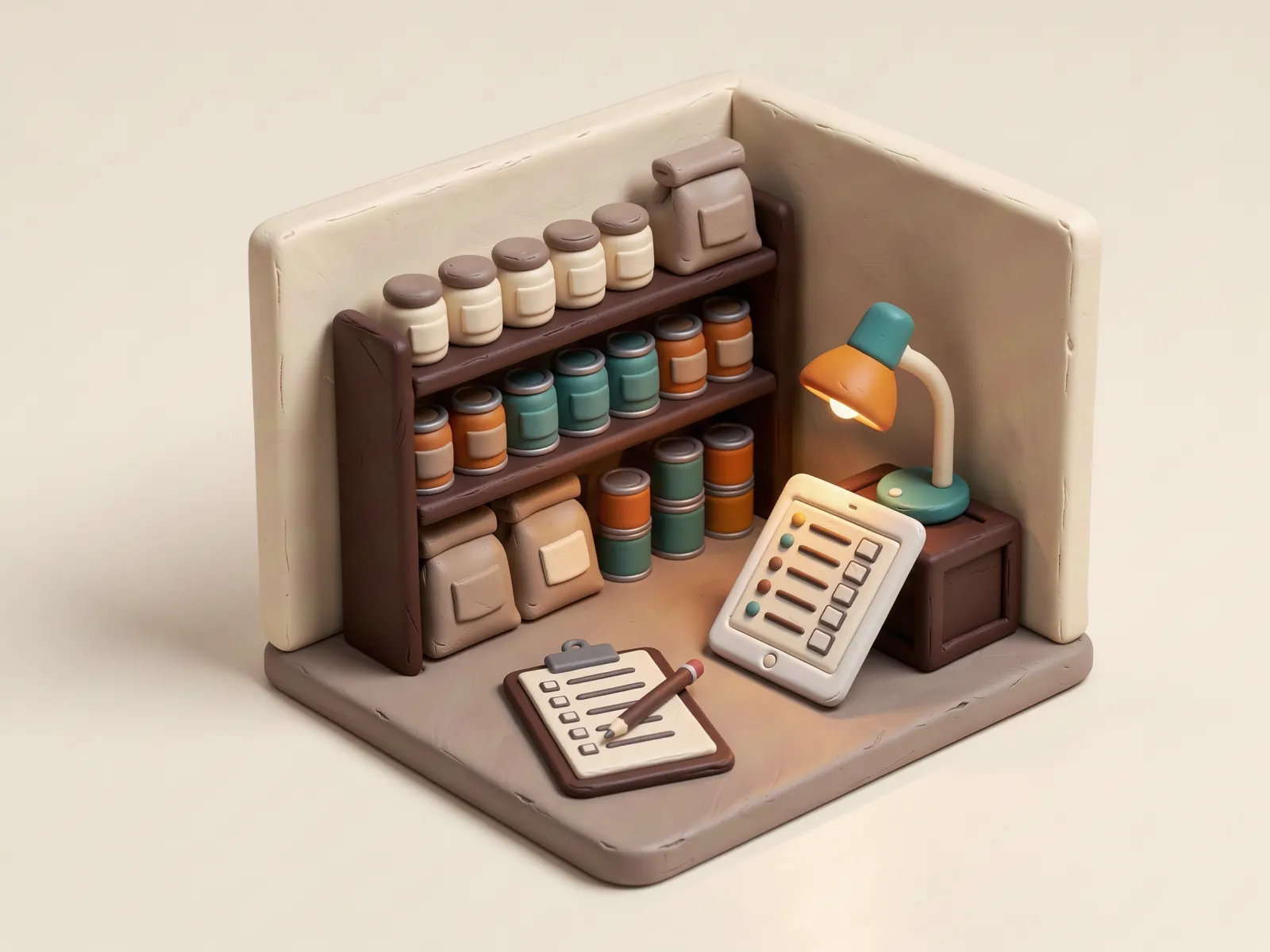
After close, the barista counts milk, beans, syrups and cups on a tablet. System says 9 L of milk, the shelf says 8.2 L. Otter records the 0.8 L difference, so the owner sees the gap the same night, not at the end of the month.
Tap the buttons and watch the stock move like it does in Otter. Every action lands in the ledger.
Inventory, recipe builder, supplier purchase orders, stock opname, waste and low stock alerts are included on Growth and Enterprise.
Inventory Management is the stock inside one outlet. Otter Warehouse adds central warehouses, a central kitchen and transfers between locations. Both read the same stock and the same recipes.
Yes. Each outlet can keep its own supplier list and send purchase orders, with partial receiving.
Yes. Import and export items and recipes with Excel, so you do not start from zero.
Talk to us on WhatsApp and we will set up a demo around your menu and kitchen flow.
Talk to us on WhatsApp