In progress and ready
Two clear columns. Numbers move to ready the moment the kitchen marks them done.
Otter NowServing
NowServing shows what is being made and what is ready. Guests watch the screen from their seat instead of crowding the counter, and your team stops shouting names.
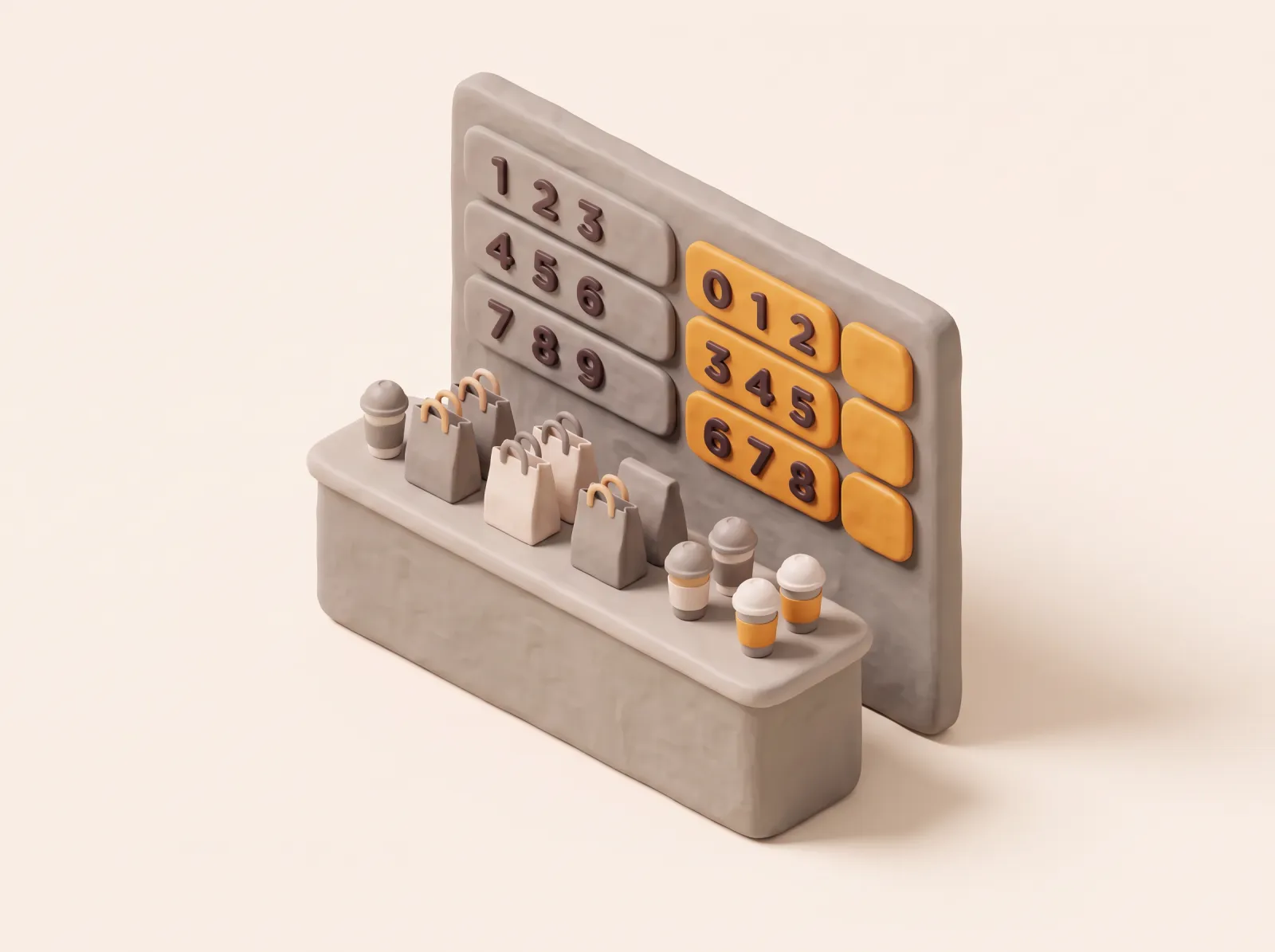
Two clear columns. Numbers move to ready the moment the kitchen marks them done.
A chime, a flash and a spoken call when an order is ready, so nobody misses it.
Your colors, banner and logo, plus a QR to your web order so guests can order again.
Kiosk, web order and POS orders all appear, in the order they were placed.
Portrait or landscape, dark mode and card sizes for any TV or tablet.
Enter a 4 digit PIN from Otter Partner and the screen is live.
Included on Growth and Enterprise. On Lite, add NowServing as an add on.
Any TV or tablet that can run the NowServing app, in portrait or landscape.
Yes. Orders from the kiosk, web order and POS all show on the same screen.
Yes. NowServing plays a sound and a spoken call when an order is ready.
Talk to us on WhatsApp and we will set up a demo around your menu and kitchen flow.
Talk to us on WhatsApp